
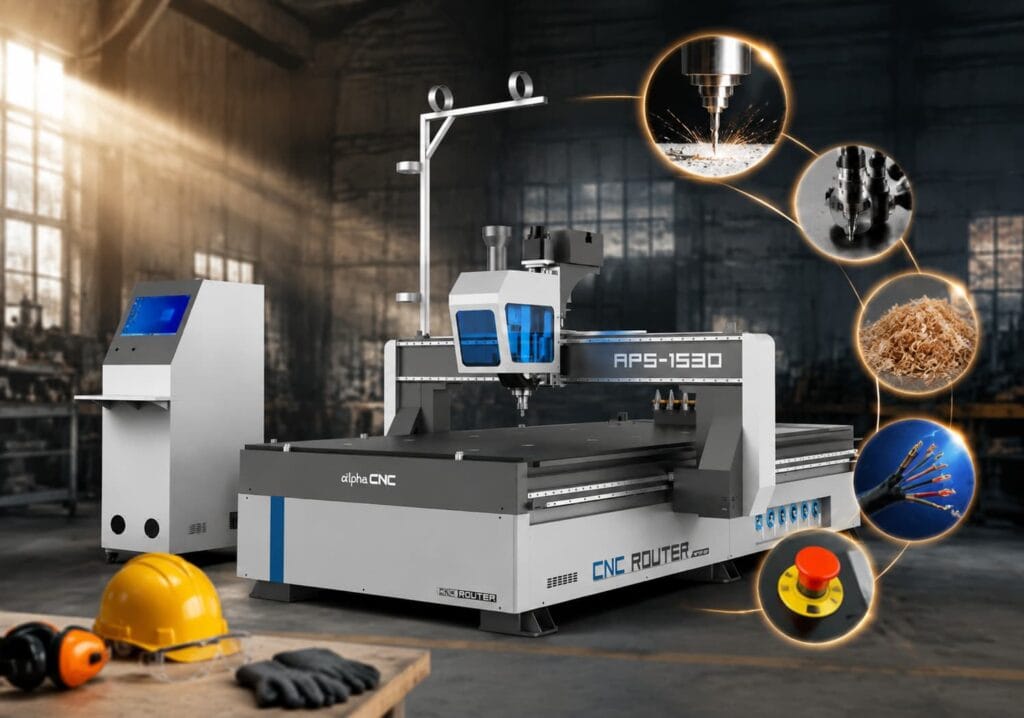
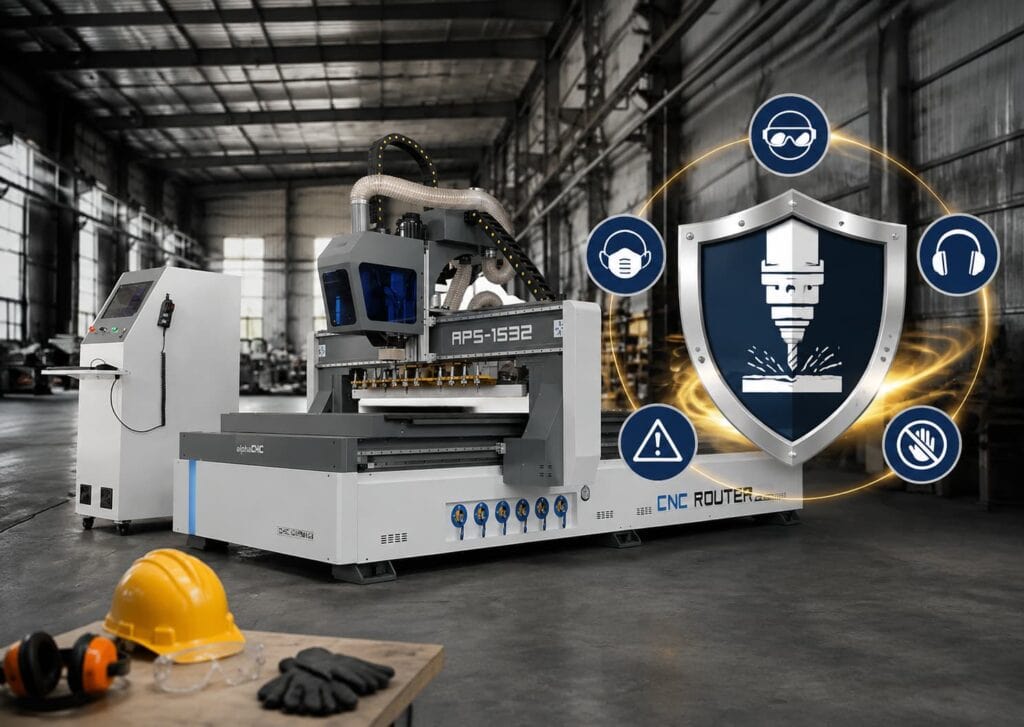
Although CNC routers improve machining efficiency, they also pose safety risks due to the involvement of high-speed rotating tools. This article will help you understand the possible problems, correct operation methods, and safety design of the machine, helping you use the CNC Router more safely.
1. Why CNC Router Safety Is Important
It is possible for improper use of the CNC Router to result in injuries to employees while damaging the machine at the same time. The CNC Router generates a large amount of force when operating during the process of machining. When using the CNC Router, if the user does not properly configure the machining settings (i.e. feed rate, depth of cut) or does not follow all of the manufacturer’s recommendations for using the equipment, then the user will most likely create an overload condition on the machine. An overload can lead to various types of damages to the machine, including damage to the spindle, tool breakage, excessive wear on components, etc.
Therefore, safety in operating the CNC Router is not only to prevent accidents but also to minimize potential damage to the equipment. If the CNC Router is regularly inspected and maintained, then many abnormal conditions may be identified and addressed before they develop into major issues.
2. Common CNC Machine Safety Hazards
During the operation of CNC Router, if proper safety measures are not taken during operation, some problems may occur, such as debris splashing, tool breakage, workpiece instability, fire hazards, and electrical failures.
2.1 Flying Chips and Debris
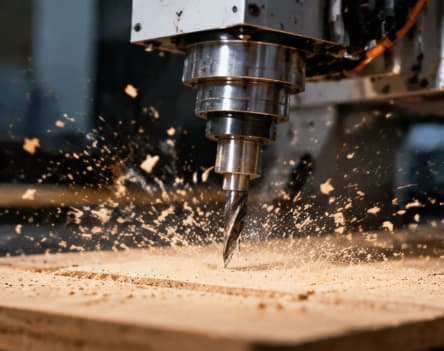
The spindle of CNC Router drives the tool to rotate at high speed, and the tool generates a large cutting force when cutting materials, gradually cutting off the material. These materials that have been cut will not all fall into the machining area, but may be thrown around due to the centrifugal and cutting forces generated by the high-speed rotation of the tool.
2.2 Tool Breakage
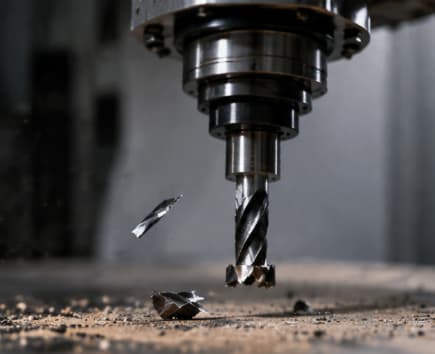
If the cutting resistance of a CNC machine is too high, the tool is subjected to pressure beyond its own capacity, and the machining parameters are set improperly, the tool may crack, deform, or fracture. When the tool breaks, due to the spindle still rotating at high speed, the broken blade may be thrown out, posing a danger to nearby personnel.
2.3 Workpiece Movement
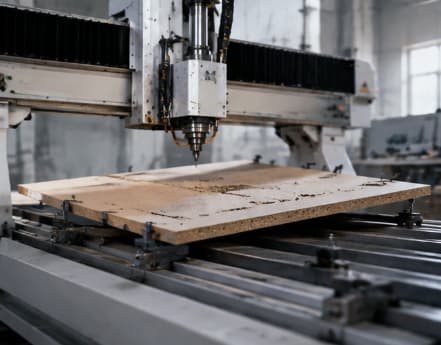
During CNC Router machining, the cutting tools generate significant cutting forces. Once these materials in processing are found to be offset, it will not only affect the accuracy of the workpiece, but also cause CNC Router safety accidents.
2.4 Dust & Fire Risks

CNC Router processes wood, MDF, plastic, and other materials can generate a large amount of fine dust. These small dust particles are not as easy to fall directly like larger debris, but instead float in the air and spread around the machine. If there is a large amount of dust present, it will cause a decrease in visibility in the work area, a deterioration of the operating environment, and an increase in the possibility of personnel inhaling dust.
When a CNC Router processes wood, MDF, and some plastics, it generates a large amount of fine dust. These dust particles are more prone to combustion than intact materials due to their large contact area with air. If dust cannot be cleaned up in a timely manner, it will not only reduce the quality of the workshop environment, but may also bring fire risks, affect the health of operators, and cause CNC equipment failures.
2.5 Electrical Hazards
The operation of CNC Router safety relies on multiple electrical components such as control system, motor, power supply, circuit, and sensors. If these components are damaged, loose, aged, or have abnormal power supply, it may cause the machine to stop, move incorrectly, or lose control, not only affecting machining accuracy, but also endangering the safety of operators. Meanwhile, severe electrical faults may generate high temperatures or sparks, while the combustible dust generated by CNC machining increases the risk of fire.
3. CNC Machine Safety Rules For Operators
CNC Router safety is not only focused on a certain link during machine operation, but runs through the entire process before, during, and after machining. The following CNC machine safety guidelines you need to follow:
3.1 Before Operation
Many machining accidents, such as tool wear and unstable machining materials, do not occur suddenly after the machine is running, but rather because you did not check it in advance. It is important to check the CNC machine safety before processing. Before the CNC Router starts working, you need to confirm whether the machine is in normal condition and whether the cutting tools and processing materials are fixed.
- Understand Your CNC Router
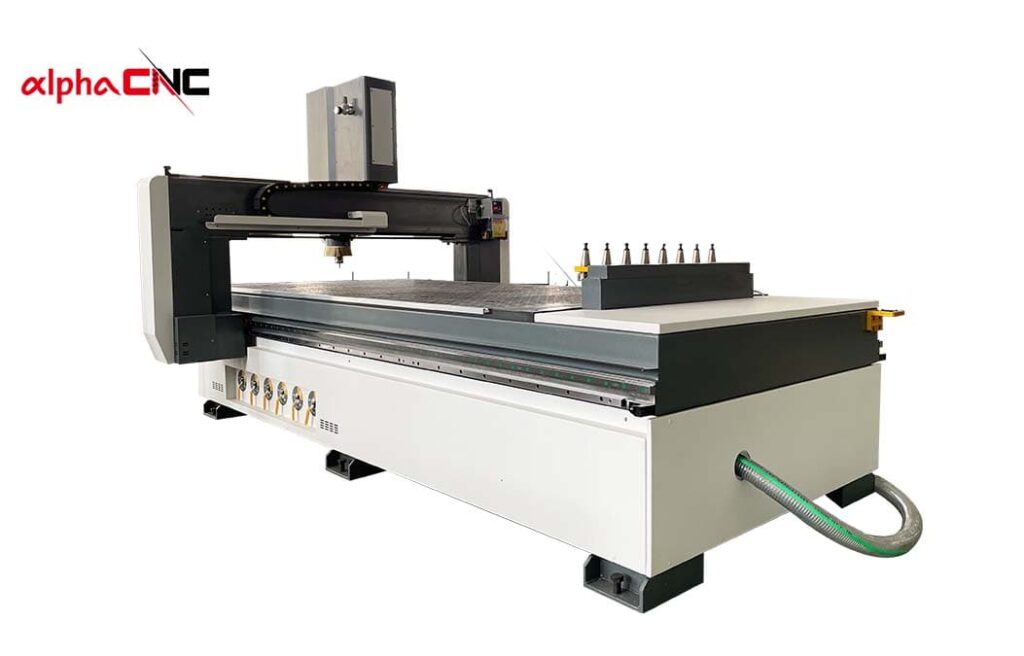
Before operating the CNC Router, you should be familiar with the CNC machine structure, operation process, control system, and safety functions. You also need to understand the location and function of important components, such as emergency stop buttons, control panels, spindles, machining areas, and safety protection devices. At the same time, the device operation instructions should be read and operated according to the manufacturer’s safety requirements.
- Tool Condition
You must check the cutting tools before processing. The cutting tool is a component directly involved in cutting in CNC Router, which not only affects the machining effect, but also directly affects your safety. You need to focus on checking:
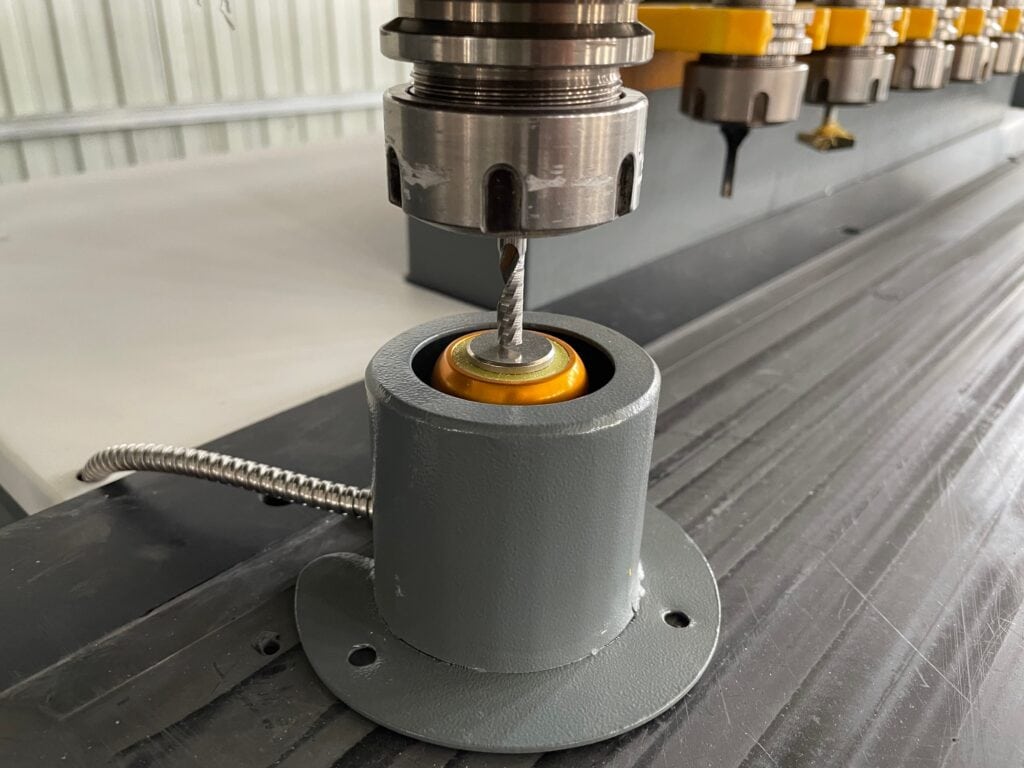
a. Is there any crack present;
b. Is there any obvious damage;
c. Is there severe wear and tear;
d. Has there been any deformation.
This is to ensure that the cutting tools are in good condition and avoid machining abnormalities or safety accidents caused by tool problems.
- Workpiece Fixing
When a CNC Router is processed, the material must be firmly fixed. Otherwise, material movement may lead to a decrease in machining accuracy, tool damage, and even affect production safety. Therefore, before processing, it is necessary to check the vacuum adsorption, fixture fixation, and material placement position.
- Machine Status
You also need to check whether the CNC Router is in normal condition. The inspection includes:
- Mechanical Part
a. Are there any loose parts;
b. Is there any abnormal sound;
c. Are the moving parts functioning properly.
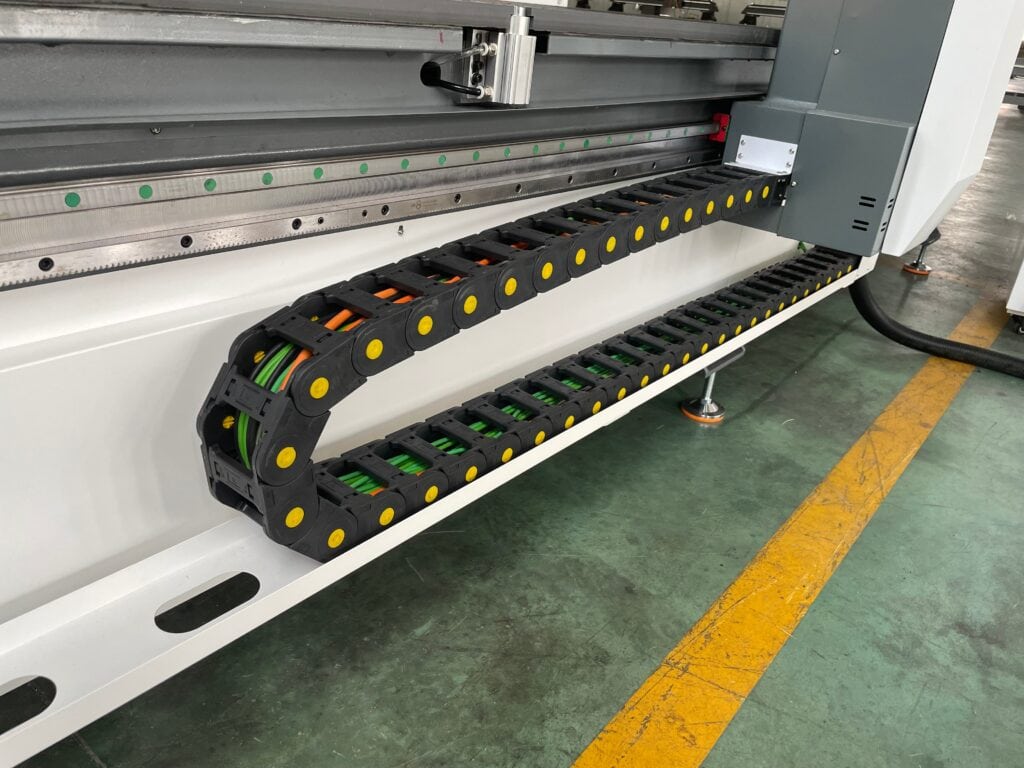
- Electrical Part:
a. Is the cable damaged;
b. Does the control system sound an alarm;
c. Is there an abnormal signal present.
- Work Area:
a. Are there any unrelated items;
b. Will it hinder the movement of the machine.
3.2 During Machining
During the CNC Router machining process, you cannot just start the machine and wait for the machining to be completed. During the processing, it is necessary to continuously observe the operation of the equipment, wear protective equipment, avoid approaching moving parts, and promptly deal with abnormal problems to reduce personnel injuries, equipment damage, and production accidents.
- Wear PPE
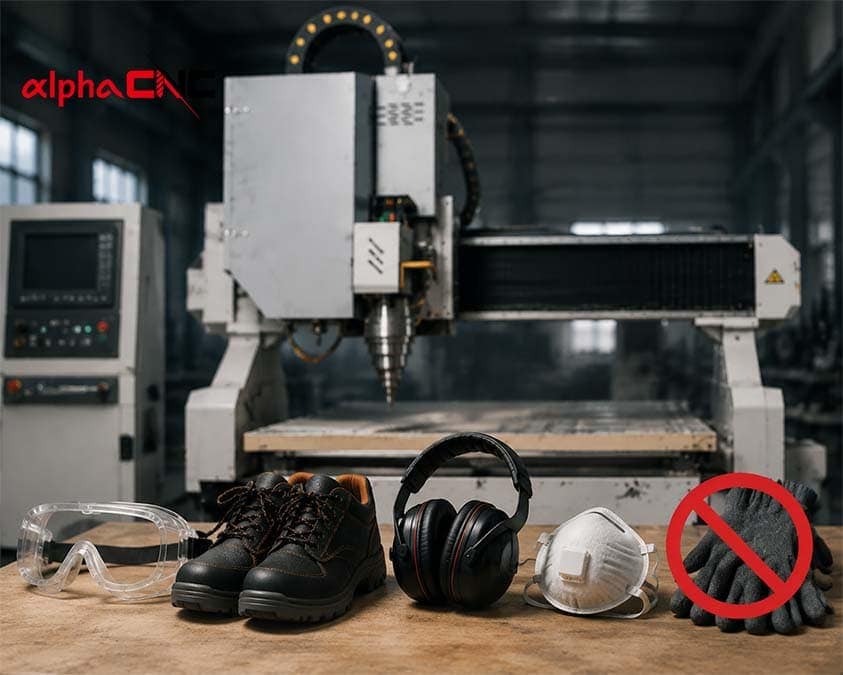
During the CNC Router machining process, personal protective equipment (PPE) is a fundamental measure to ensure the safety of operators. Proper selection of protective equipment is necessary when operating CNC Router. Glasses, safety shoes, earmuffs, and dust masks are usually necessary, but gloves need to be used with caution as rotating the spindle may roll loose gloves into the machine.
- Avoid Touching Moving Parts
The cutting tools of CNC Router usually rotate at high speed to cut materials, and if the human body comes into contact with the rotating tools, it may cause hand cuts. The motion axis of CNC Router also poses a danger. The X, Y, and Z axes of the machine will continuously move during the machining process, and these moving parts may form pinch points between them. If you insert your hand into the range of motion and adjust the material while the machine is running, it may cause your fingers to be pinched.
- Monitor Abnormal Noise
During the CNC Router machining process, abnormal sounds do not simply indicate a problem with the machine, but may indicate potential safety risks. Operators need to pay attention to some abnormal sounds during processing, such as sudden impact sounds, irregular spindle sounds, or cutting sounds that are different from usual, as these situations may indicate that the current processing state is dangerous.
If these abnormal signals are ignored and the machine continues to operate, it may increase the risk of tool breakage, material movement, and flying out of machining fragments. These situations may not only damage equipment, but also cause harm to nearby operators.

During the operation of the CNC Router, operators should continuously pay attention to the sound and status of the machine running. When abnormal situations are detected, the inspection should be stopped promptly instead of continuing to operate the equipment.
3.3 After Operation
The operation process after CNC Router machining is also an important part of equipment safety management. Many operators only focus on the safety of tool rotation, cutting, and other processes during the machining process, but ignore the potential safety hazards that may still exist after the machining is completed.
- Clean Chips and Dust
After processing is completed, you should promptly clean the CNC Router and nearby work areas of debris and dust after turning off the machine. Do not directly use your hands to clean sharp cutting fragments during cleaning to avoid scratches. If the processed material is wood MDF, materials such as plastics that are prone to producing fine dust require special attention to dust cleaning to prevent fires.
By cleaning and inspecting after processing, a safer working environment can be maintained and the risk of using a CNC Router in the future can be reduced.
- Shut Down Your CNC Machine Safely and Correctly
After the CNC Router machining is completed, you should follow the prescribed process to turn off the control system and power, rather than directly cutting off the power. After shutdown, it is necessary to check whether there are any residual materials in the processing area, whether there are any tools left on the machine, and whether there are any abnormal conditions in the equipment.
4. Essential CNC Router Safety Features
There are many risks involved in the operation of CNC routers, so safety configuration is not an additional function, but an important measure to ensure the normal operation of the equipment and protect operators.
4.1 Emergency Stop
Many dangerous situations, such as tool damage, machine loss of control, or abnormal movement, usually occur in an instant, and you don’t have time to slowly deal with these problems. The emergency stop button allows you to immediately stop the spindle and machine movement when you discover a problem again, avoiding the danger from continuing to escalate.
The emergency stop button must be installed in a prominent position, and everyone should be familiar with the location of the machine’s emergency stop button. The button should also be checked daily to ensure that it is functioning properly.
4.2 Limit Switch
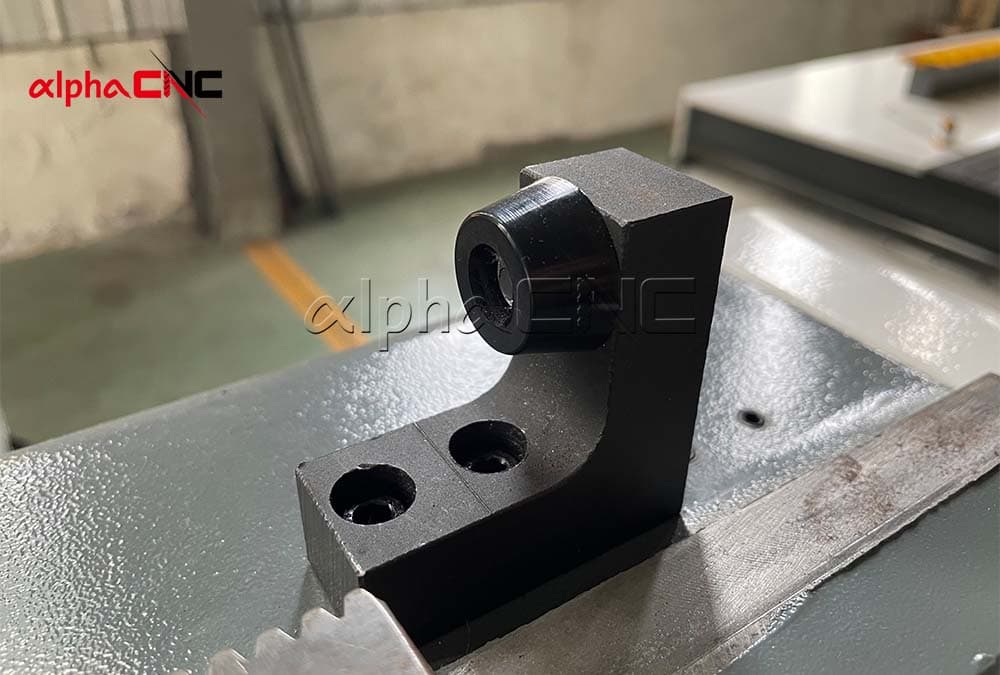
The limit switch is a safety protection device for CNC Router. CNC Router safety relies on program control for motion, but errors may occur in the program, parameters, and control system, so the machine requires additional protection.
The limit switch of CNC Router is used to monitor the position of the motion axis. After the limit switch detects that the shaft is approaching the limit position, it will stop the machine from moving to avoid collision.
4.3 Dust Collection
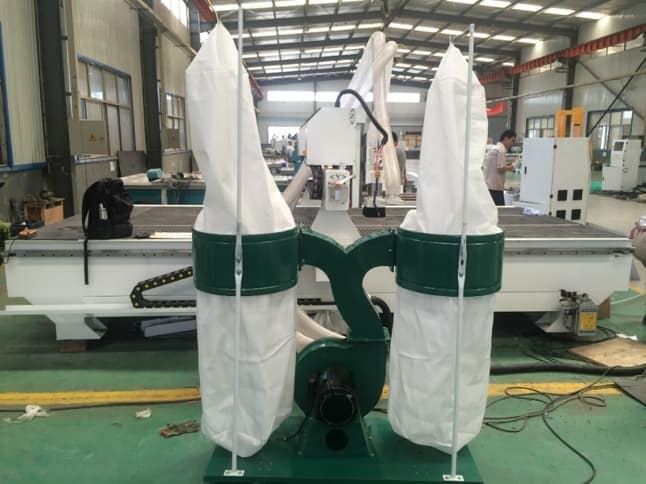
The dust collection system can collect debris and dust in the air near the cutting area of CNC machines, reducing the exposure of operators to dust and providing a safer and healthier working environment for those who operate CNC routers for a long time. In addition, the dust removal system can also reduce the accumulation of dust around mechanical and electrical components, reducing safety hazards such as fires caused by dust accumulation.
4.4 Electrical Protection
The electrical protection system of CNC Router is an important component of equipment safety. Due to the fact that CNC Router relies on an electrical system to control the spindle, motor, and control module, electrical faults may pose risks to the equipment and operators. CNC Router needs to reduce the risk of faults through electrical safety design such as overload protection, short circuit protection, and grounding protection.
FAQ
Is there any safety hazard when using ATC CNC Router?
ATC CNC Router has improved the level of automation and reduced manual tool changing operations, thus reducing some human errors. However, due to the automatic tool changing and moving actions of the machine, new safety hazards have also been added, such as sudden equipment movement, incorrect tool calling, and tool damage. Therefore, operators still need to receive training, understand the automatic operation logic of the machine, and maintain safety awareness during the operation process.
How should beginners ensure their safety when operating CNC routers?
For CNC beginners, ensuring safety is not simply about learning how to turn on and run programs, but requires a comprehensive understanding of the machine structure, control system, machining process, and possible abnormal situations.
CNC Router beginners should start with simple machining, gradually learn material characteristics, tool selection, and parameter settings, and become familiar with the machine’s motion mode. Because many safety accidents are not caused by machine design issues, but by inexperienced operators, incorrect use of tools, incorrect parameter settings, or lack of understanding of equipment operating rules.
How often does the safety check of CNC Router need to be done?
The safety inspection of CNC Router should be scheduled at different intervals based on the usage of the equipment. Before each processing, the operator needs to check the emergency stop button, tool installation, and whether there are any abnormalities in the machine. For equipment that works continuously every day, it is also necessary to regularly inspect vulnerable parts, electrical systems, and mechanical structures.

What should be noted when using CNC Router safely in a small workshop?
When using CNC Router in small workshops, due to limited space, safety issues such as insufficient operating space, dust accumulation, and mismatched power supply are more likely to occur. Therefore, it is necessary to plan the installation location of the machine reasonably, ensure operation and maintenance space, configure dust removal and ventilation systems, and confirm that the electrical conditions meet the requirements.
How to choose a safe CNC machine for my business?
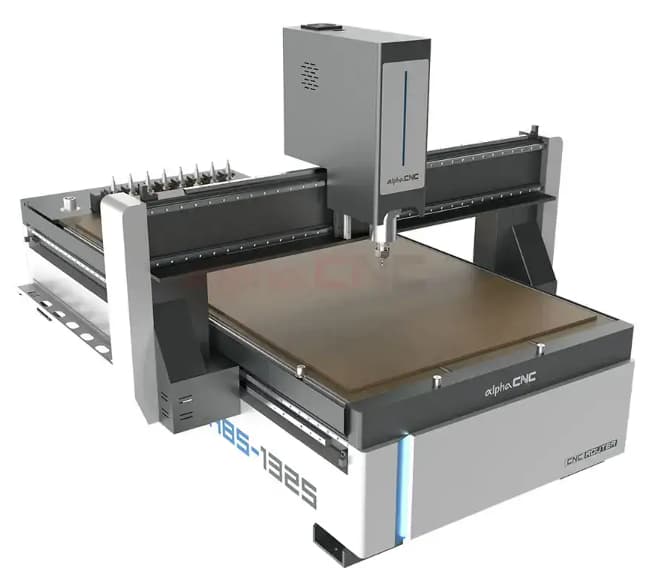
When you decide to buy your own CNC machine, CNC Router safety is an important factor you need to consider. You need to make sure the CNC machine you buy has some safety features such as an emergency stop, limit switch, dust collection and so on. Another important thing is that you need to choose a reliable CNC router manufacturer so that you can buy a safer and better CNC machine.
Alpha CNC: A Safer CNC Machine Manufacturer

The CNC Router safety not only comes from correct operation, but also from the safety design of the equipment itself. Alpha CNC will help you to reduce production risks by providing CNC routers with safety features and professional technical support.
You can contact us now, and we will respond immediately to any of your needs!


