

If you’re running a furniture factory, signage shop, woodworking business or even a small home workshop, you definitely want a CNC router that runs fast, stays durable for years, and doesn’t burn your budget.
From my years of serving global buyers, I’ve seen many people pick the wrong CNC router model, ignore basic daily maintenance, or pay extra for unnecessary configurations. All these mistakes directly eat into your profit. That’s why I put together this real practical 2026 CNC router guide, written specifically for actual business owners and procurement teams, no fancy jargon, just real experience you can use right away.
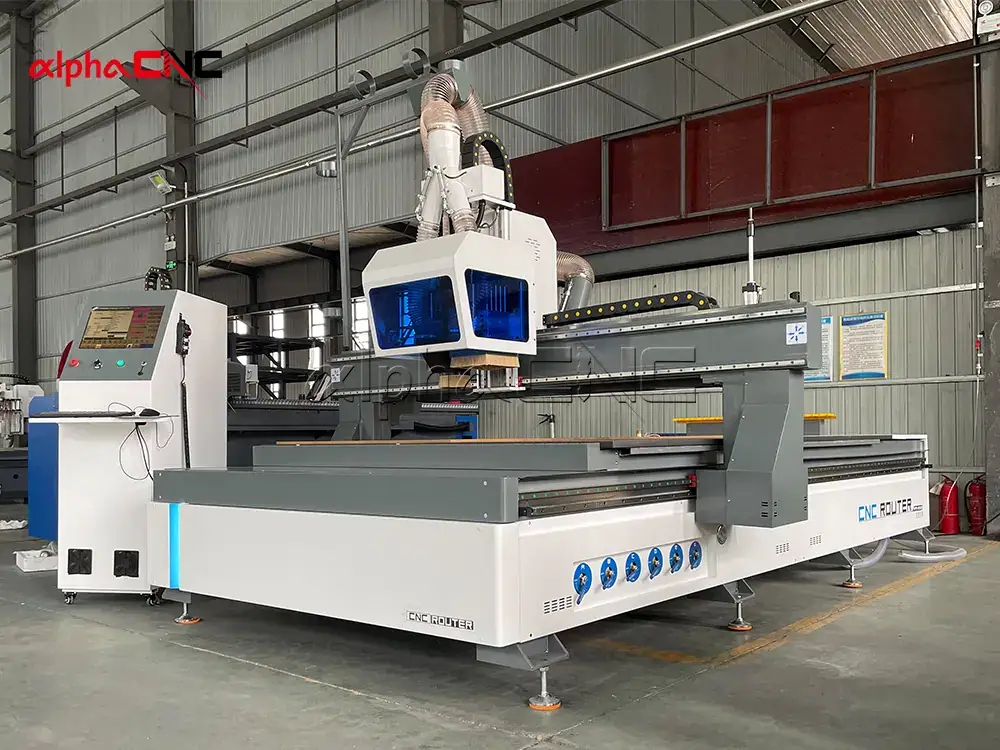
Who This Guide Is For
This article is tailored for furniture factory managers, signage and advertising makers, stone and woodworking shop owners, small business startups, CNC hobbyists, and procurement teams who are sourcing reliable CNC router solutions in 2026.
What Is a CNC Router and How Does It Actually Work
Simply put, a CNC router is a computer-controlled cutting machine. It can do precision milling, engraving, drilling and shaping on dozens of different materials automatically. Unlike traditional manual tools, it follows digital design files and moves along multiple axes with great accuracy, every single time.
Here is how the whole process works in real daily use: You first design your part in 2D or 3D CAD software, then use CAM software to generate the cutting path. After that, the system turns the path into G-code, which is the command language your CNC machine understands. The internal controller sends signals to drive X, Y and Z axis motors, and the high-speed spindle spins the cutting tool to carve or cut materials automatically.
With a good CNC router, you get stable product quality, cut down labor reliance a lot, and easily expand your production volume. That’s why it’s widely used in woodworking, furniture making, signage, mold production, construction decoration, and soft metal processing jobs.
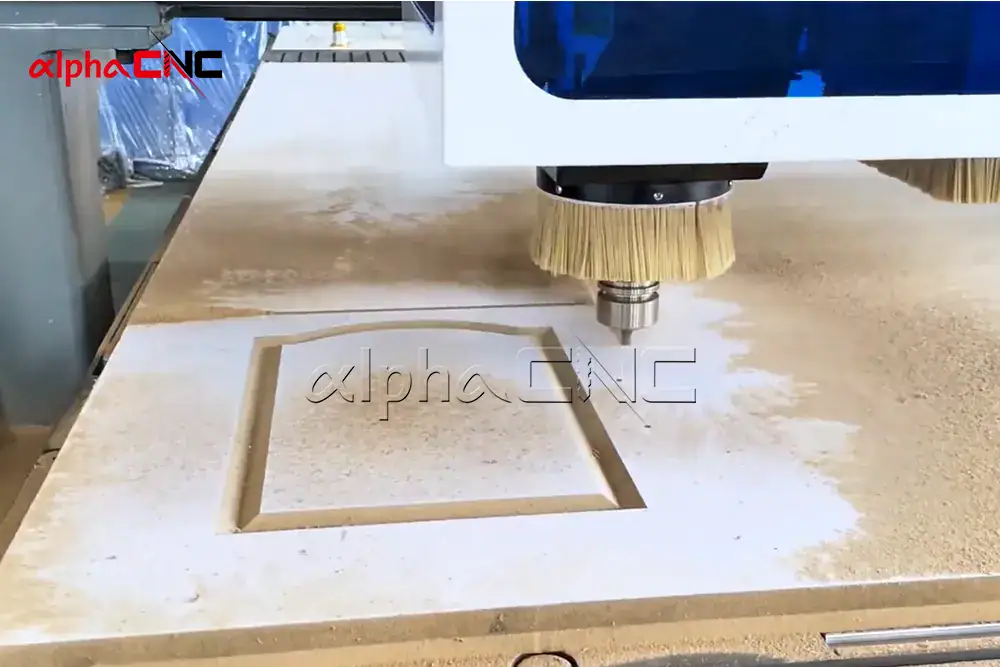
Different Types of CNC Routers and Their Actual Uses
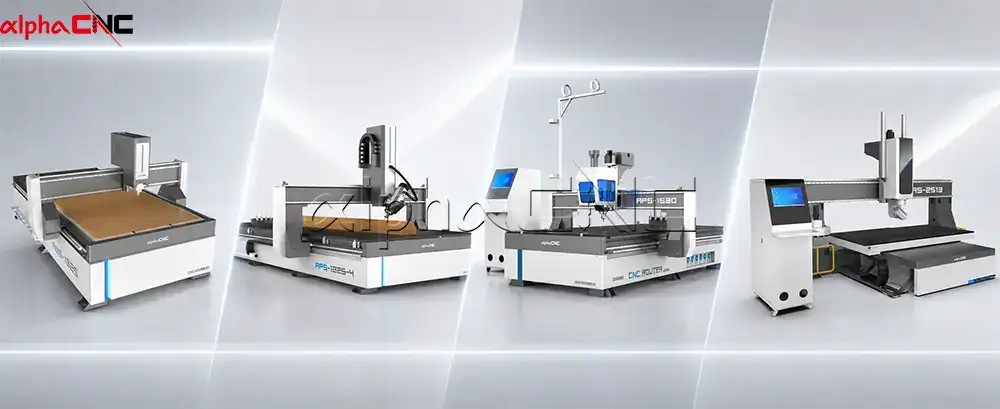
| Type | Key Features | Best For |
| 3 Axis CNC Router | Moves X, Y, Z; simple, reliable, cost-effective | Flat cutting, engraving wood, acrylic, PVC |
| 4 Axis CNC Router | Adds rotary (A/C) axis | 3D carving, cylindrical parts |
| 5 Axis CNC Router | Simultaneous 5 axis motion | Simultaneous 5-axis motion |
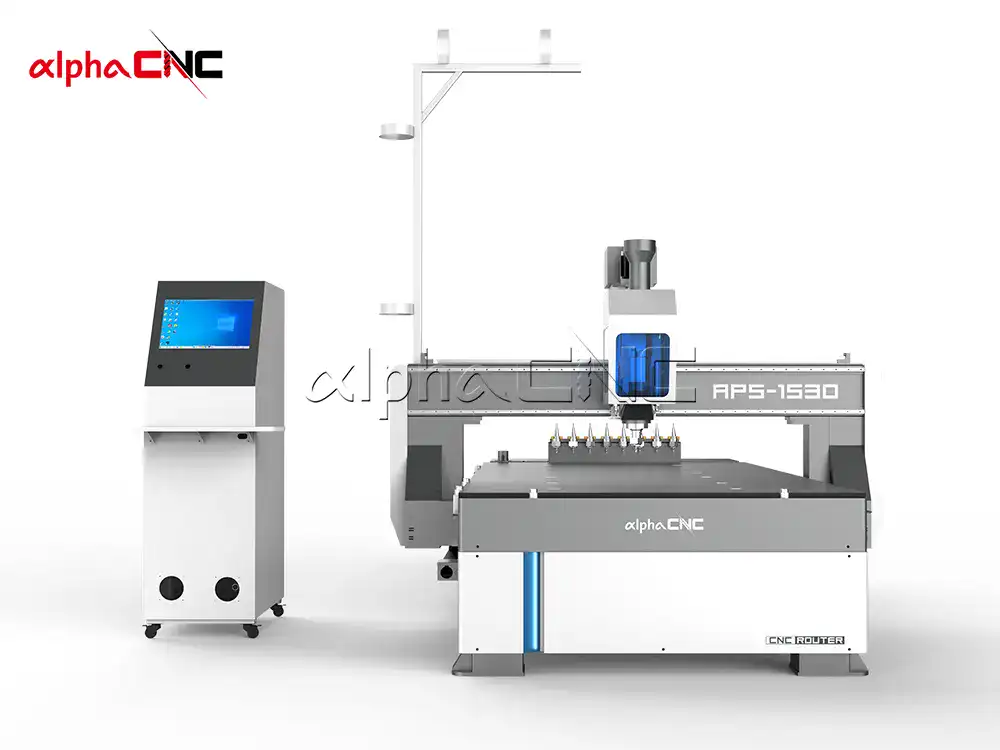
| ATC CNC Router | Automatic Tool Changer, fast tool switching | High-volume production, furniture factories |
| Rotary Axis CNC Router | Dedicated rotation device | Table legs, stair railings, columns |
| Stone CNC Router | Heavy-duty, water-cooled, high rigidity | Marble, granite countertops, stone engraving |
| Foam/EPS CNC Router | Linear tool change, large format | Packaging molds, architectural models |
| Multi Head CNC Router | Multiple spindles work in parallel | Mass production, repetitive parts |
| Hobby CNC Router | Compact, budget-friendly | Home studios, small signage |
| Oscillating Knife Cutter | Clean cuts, no burning | Leather, fabric, rubber, cardboard |
Quick CNC Router Selection Tips Based on Your Business
- If you are making furniture and cabinets daily, go straight for an ATC CNC router; the automatic tool change function saves you hours of manual work every day.
- For marble and granite stone engraving and cutting, choose a professional stone CNC router with water cooling and strong rigid frame.
- If your main job is signage making and regular 2D cutting, standard 3 axis CNC router is the best value choice.
- For cylindrical products like table legs and building columns, pick a machine with rotary axis function.
- If you run mass production of repeated parts, multi-head CNC router will greatly improve your output efficiency.
- If you have a limited budget and run a small workshop, entry-level hobby CNC router is enough for basic woodworking and small signage.
- If you still feel confused about which model fits your actual job, you can contact me anytime for free one-on-one recommendation.
Common Industry Applications for CNC Routers
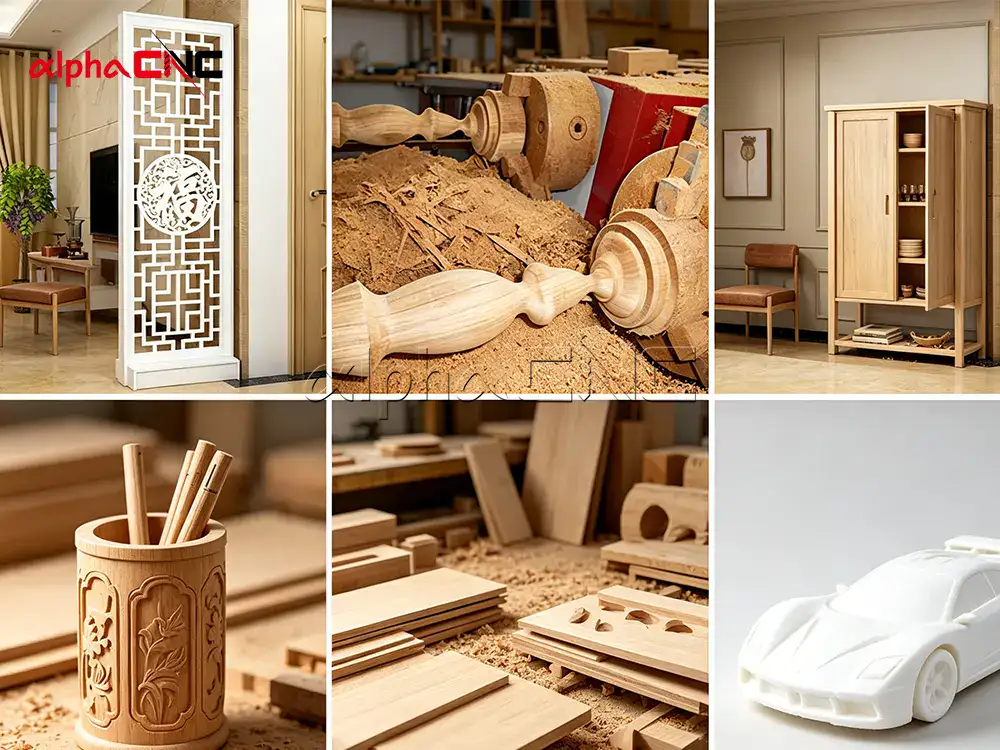
CNC routers are now essential equipment across many industries.
- In woodworking and furniture business, people use it for cabinets, wooden doors, tables, chairs and decorative carving pieces.
- Advertising and signage industry uses it for acrylic signs, 3D logo modeling and advertising letter cutting.
- Construction decoration field relies on it for decorative wall panels, molding lines and stair structure parts.
- Mold makers use CNC routers to produce foam molds, resin molds and prototype proofing.
- Automotive and aerospace industries use it for pattern making and interior trim processing.
- Stone and glass workshops use it for countertop shaping, artistic engraving and special-shaped stonework.
- Packaging industry uses it for cardboard cutting and custom foam inner supports.
Materials You Can Process With a CNC Router
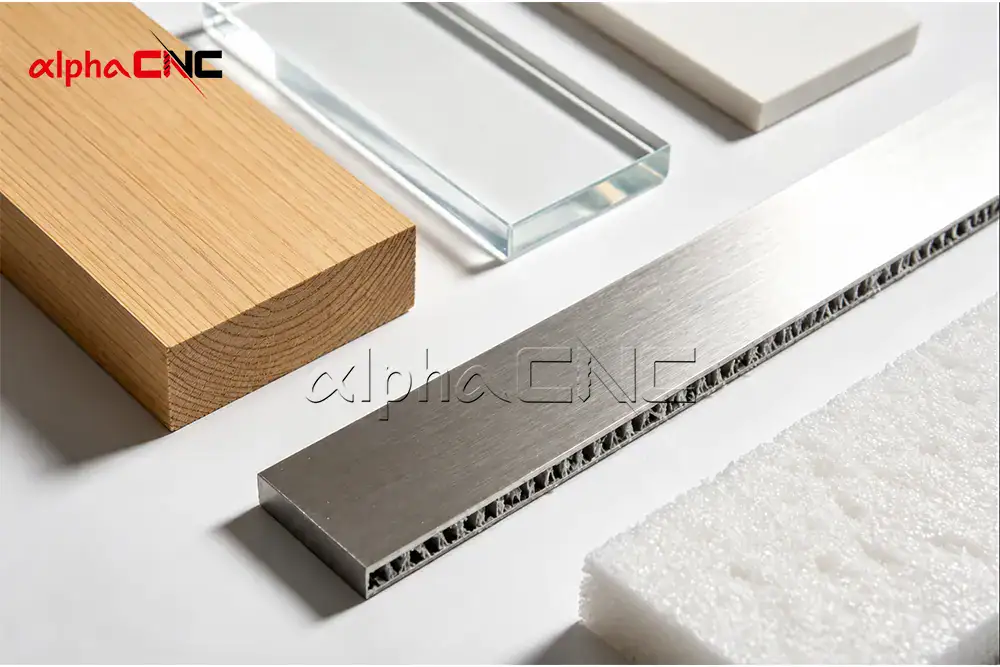
A standard CNC router can handle a very wide range of materials.
- It works well with solid wood, MDF, plywood and HPL composite boards.
- For plastic materials, you can process acrylic, PVC, ABS, PET and HDPE easily.
- It also cuts EPS, EVA and polyurethane foam smoothly.
- With proper configuration, it can process soft metals like aluminum, brass and copper.
- Professional stone type machines can work on marble, granite and engineered stone.
- Carbon fiber, fiberglass and FRP composite materials are also compatible.
If you match the machine with an oscillating knife, you can cut leather, rubber, fabric and cardboard without burning edges.
Standard Machine Sizes and Key Specifications
| Size Level | Common Working Size (X/Y Travel) | Typical Applications |
| Desktop / Small | Approx. 200×300mm to 600×900mm | Education, jewelry, crafts, small molds, stamp making |
| General / Medium | Approx. 900×600mm to 1300×2500mm | Sign making, acrylic cutting, sheet furniture, advertising industry |
| Industrial / Large | Approx. 1300×2500mm to 2000×6000mm | Industrial wood, aluminum sheets, composite materials – high-volume / large-format cutting |
| Special / Extra-Large | Customized, extra-large table or rotary processing (e.g., cylinders) | Stone carving, large molds, extra-long cylindrical parts (e.g., Roman columns) |
Critical Specifications
| Parameter | Typical Range |
| Spindle Power | 1.5 kW – 10 kW+ (water or air-cooled) |
| Spindle Brand | HQD, JST, Changsheng, Shuntong, HSD |
| Positioning Accuracy | 0.01 mm – 0.05 mm |
| Working Speed | 10 m/min – 30 m/min+ |
| Frame | Welded steel or cast iron |
| Table | T-slot or vacuum table |
| Control System | NC studio V5/60CA, Richauto, Mach3, Syntec, LNC |
Main Core Components of a CNC Router
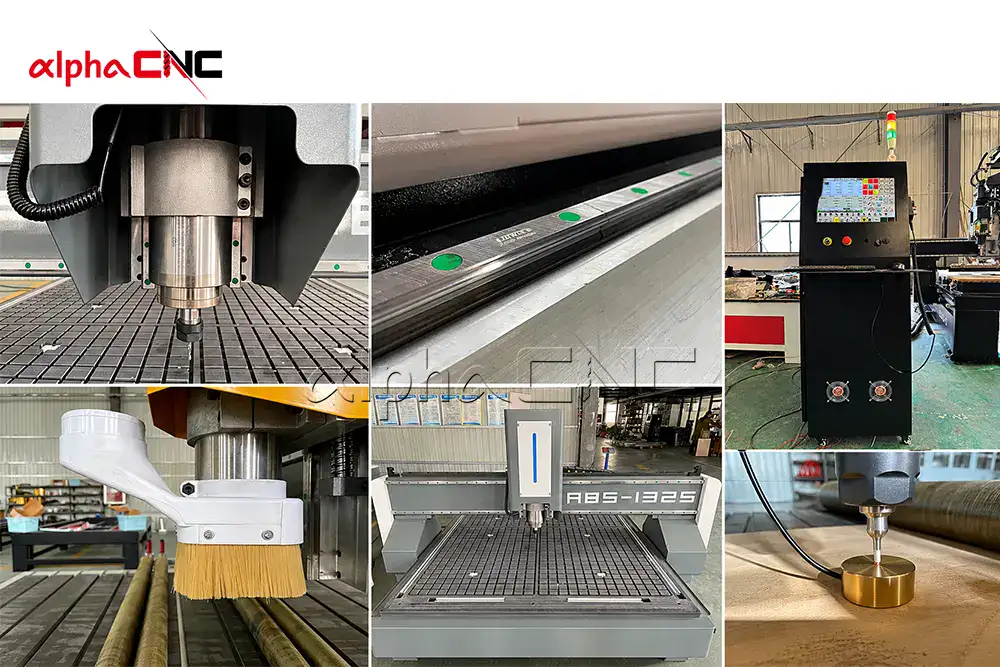
- A reliable industrial CNC router consists of several key parts.
- The machine frame is heavy-duty structured to reduce vibration during high-speed cutting.
- Gantry is the rigid beam that carries the spindle and moves steadily during processing.
- Spindle is the high-speed motor responsible for cutting and engraving work.
- Cutting tools include end mills, ball nose cutters and special engraving bits for different jobs.
- Drive system adopts ball screw or rack and pinion transmission.
- Motors are divided into servo motor for high precision requirement, and stepper motor for budget-friendly projects.
- Linear guides ensure the whole moving part runs smoothly with low friction.
- Controller reads G-code program and controls all machine operations.
- Clamping system uses T-slot fixing, vacuum adsorption or pneumatic clamping.
- Dust collection system includes special shroud and ducts to keep the workshop clean and extend machine life.
Step-by-Step CNC Working Process
The whole workflow is actually straightforward.
- First, you finish 2D or 3D design in CAD software like AutoCAD or Fusion 360.
- Then you use CAM software to set cutting path, spindle speed and feed rate.
- Next, export the program into G-code files in .nc or .tap format.
On the machine side, you fix the raw material, install the correct cutting tool, and set workpiece zero point.
It’s always recommended to run program simulation first to avoid collision or processing errors.
- After simulation, start automatic machining, and the machine will follow G-code to finish cutting automatically.
- Once done, unload the finished parts, remove burrs, polish or do surface coating as needed.
Even if you are new to CNC operation, modern software can generate G-code automatically, so you don’t need professional background to start working.
How Long Does CNC Machining Take
Processing time varies a lot, from just a few minutes up to several hours.
It mainly depends on how complex your design is; detailed 3D carving definitely takes much longer.
- Material hardness also matters — thick and hard materials require slower feed speed.
- More holes and grooves on the part will increase processing time.
- Frequent manual tool change wastes a lot of production time, while ATC model can save this idle time greatly.
- Sharp cutting tools also speed up the whole production process obviously.
Machine Setup, Operation and Safety Tips
Before starting work, you need to clean the worktable and fix the workpiece firmly. Install the right cutting tool and lock the collet tightly.
Do machine homing to confirm each axis travel limit, then set X, Y, Z zero points to guarantee cutting accuracy.
Load G-code and simulate the toolpath, and remember to warm up the spindle before full-speed running.
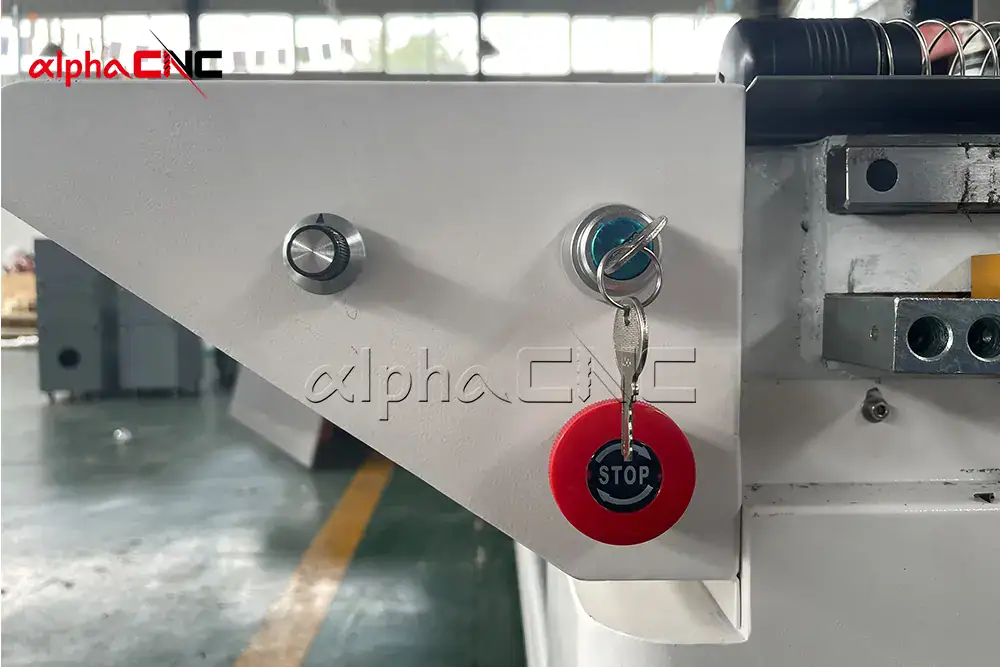
- For safety, always press the emergency stop button once any abnormal situation appears.
- Wear safety glasses and ear protection all the time.
- Do not wear loose clothes, accessories, or let long hair get close to moving parts.
- Never put your hands inside the machine while it is running.
- Always wait until the spindle stops completely before changing tools or replacing materials.
Daily Maintenance and Common Troubleshooting
Good maintenance directly extends your CNC router’s service life.
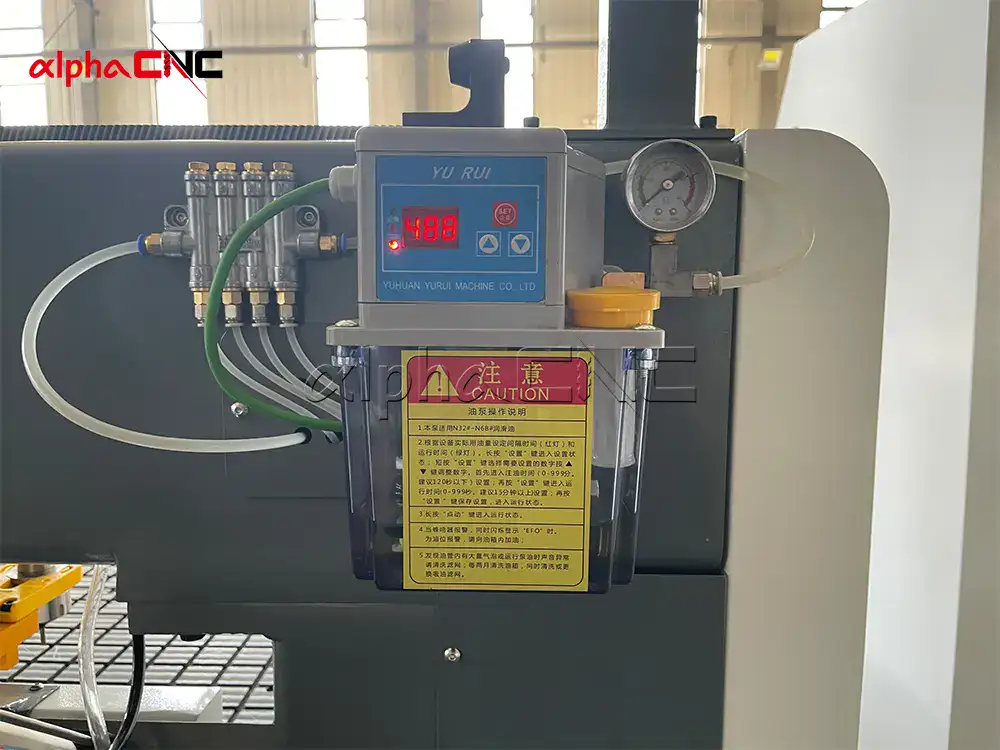
- Every day, you need to clean cutting chips, check dust collection effect and inspect tool wear condition.
- Every week, lubricate linear guide rails and bearings to keep movement smooth.
- Every month, check belts, screw rods, cables and all electrical connections.
Once a year, do overall deep cleaning, spindle inspection and full machine calibration.
For common problems:
- If cutting accuracy becomes poor, tighten loose bolts, re-calibrate axes and replace worn parts.
- If cutting edge is rough, sharpen or replace tools, and adjust cutting speed and feed rate properly.
- When spindle overheats, check the cooling system and clean dust filters in time.
- If the motor loses steps during running, adjust motor current and check mechanical jamming parts.
- Excessive running noise usually needs lubrication, or you need to check loose components and damaged bearings.
CNC Router Lifespan and How to Use It Longer
If you keep good daily maintenance habits, a quality CNC router can work stably for 5 to 10 years or even longer.
Service life is affected by daily working intensity, material hardness you process regularly, regular lubrication and dust cleaning, timely spindle maintenance, and the original frame rigidity and manufacturing quality.
Simple habits like daily cleaning and standard tool changing can easily add several years to your machine’s lifespan.
2026 CNC Router Price Range and ROI Analysis
In 2026 market
| Machine Type | Price Range (USD) |
| Hobby / small | 2500–5,000–15,000 |
| Mid range industrial | 5,000–10,000–20,000 |
| Large ATC / 5-axis | 30,000–50,000–150,000+ |
The price difference comes from work area size, spindle power, control system grade, motor and drive configuration, frame rigidity, ATC function, dust collection system and supporting accessories.
From real buyer feedback, most small and medium factories can get full investment return within 6 to 12 months, thanks to higher production output and obvious labor cost reduction.
How to Choose a Trusted CNC Router Supplier

Based on my experience serving global buyers, here is my practical checklist for you.
- First, clarify your processing material, required working size, accuracy standard and daily production volume.
- Compare several machines that fully match your actual needs instead of blindly choosing high configuration.
- Ask the supplier for real machine working videos and local customer project references.
- Carefully check warranty policy, after-sales technical support and free operation training service.
- Pay attention to hardware quality: overall frame structure, spindle brand and other core components.
- Also consider long-term use cost, including daily maintenance expense, spare parts availability and upgrade space in the future.
Automation Configuration to Improve Productivity
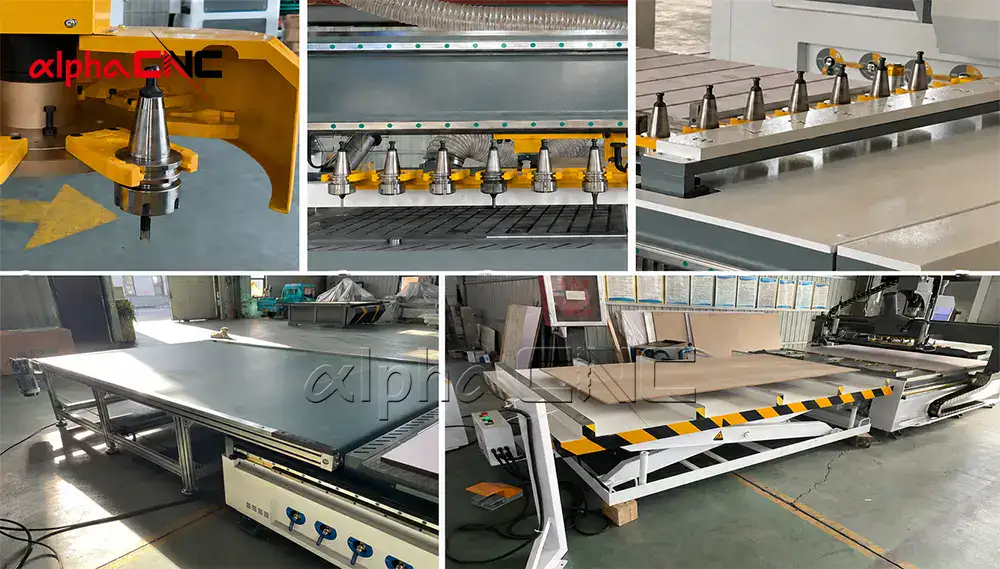
Nowadays, more factories choose to add automation to their CNC routers to boost efficiency.
Common upgrades include automatic tool changer (ATC), automatic material loading and unloading platform, batch processing and nesting optimization software, IoT real-time monitoring for predictive maintenance, and remote fault diagnosis with online technical support.
Automation reduces labor cost, speeds up production rhythm, and keeps product quality consistent, which is very important if you plan to scale up your business.
2026–2030 Future Trends in CNC Router Industry
In the next few years, AI optimized toolpath will become more popular, bringing faster cutting speed, less tool wear and better surface finish.
IoT smart monitoring will be standard to track machine status in real time and avoid unexpected downtime.
Energy-saving motors will help factories reduce power consumption and daily operating cost.
Dust and noise control design will be further improved to create healthier and safer workshop environment.
Operation system will be more user-friendly, lowering the learning threshold for new operators.
Sustainable manufacturing will also be a trend, reducing material waste and adopting more recyclable machine components.
FAQ Real Buyers Ask Most
Q1: Can CNC router cut metal?
Yes, it can handle aluminum, brass and copper very well. You just need a rigid machine frame, spindle power above 2.2kW and matched carbide tools, and use slower feed speed with small depth cutting. Standard CNC routers are not recommended for steel and titanium, but totally enough for daily soft metal processing.
Q2: How accurate is industrial CNC router?
Normally positioning accuracy is between 0.01mm and 0.05mm, which meets the requirement of precision furniture parts, signage making and mold work. Actual accuracy depends on frame rigidity, drive mode and control system quality.
Q3: How long can a spindle last?
With proper maintenance, a spindle can work 2,000 to 10,000+ working hours. Water-cooled spindles usually last longer than air-cooled ones. It’s suggested to replace internal bearings every 1–2 years to keep stable performance.
Q4: What is the CNC router price in 2026?
Hobby models are $5,000–$15,000, mid industrial machines $15,000–$50,000, high-end ATC and 5-axis models $50,000–$150,000+. Most businesses get full ROI in 6–12 months.

Q5: What maintenance does a CNC router need?
Clean chips daily, lubricate guide rails weekly, check belts and cables monthly, and do deep cleaning plus full calibration every year. Good maintenance can extend machine life over 10 years.
Q6: Which CNC router is best for small workshop?
Most small workshops fit 3-axis 1325 model with 2.2–3.5kW water-cooled spindle. If you process various parts every day, choose ATC version directly. If your budget is under $10,000, hobby-grade machine works for simple signage and light woodworking.
Conclusion & Free CNC Consultation
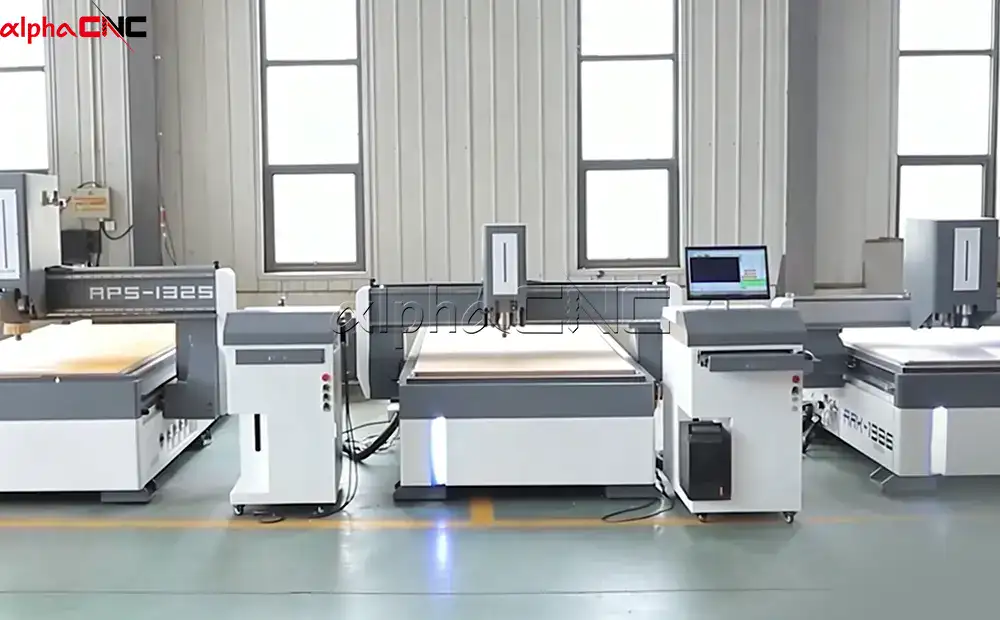
CNC router is definitely one of the most worthy investments for woodworking, furniture, signage and construction industries. No matter you are a personal hobbyist or large factory owner, choosing the right machine and reliable supplier will directly affect your production efficiency, profit margin and long-term development.
We focus on designing and manufacturing stable, high-precision industrial CNC routers for global clients, providing customized solutions, professional operation training, multilingual support and complete after-sales service.
Feel free to contact me to get a free tailored CNC router proposal according to your processing material, working size and budget.


